
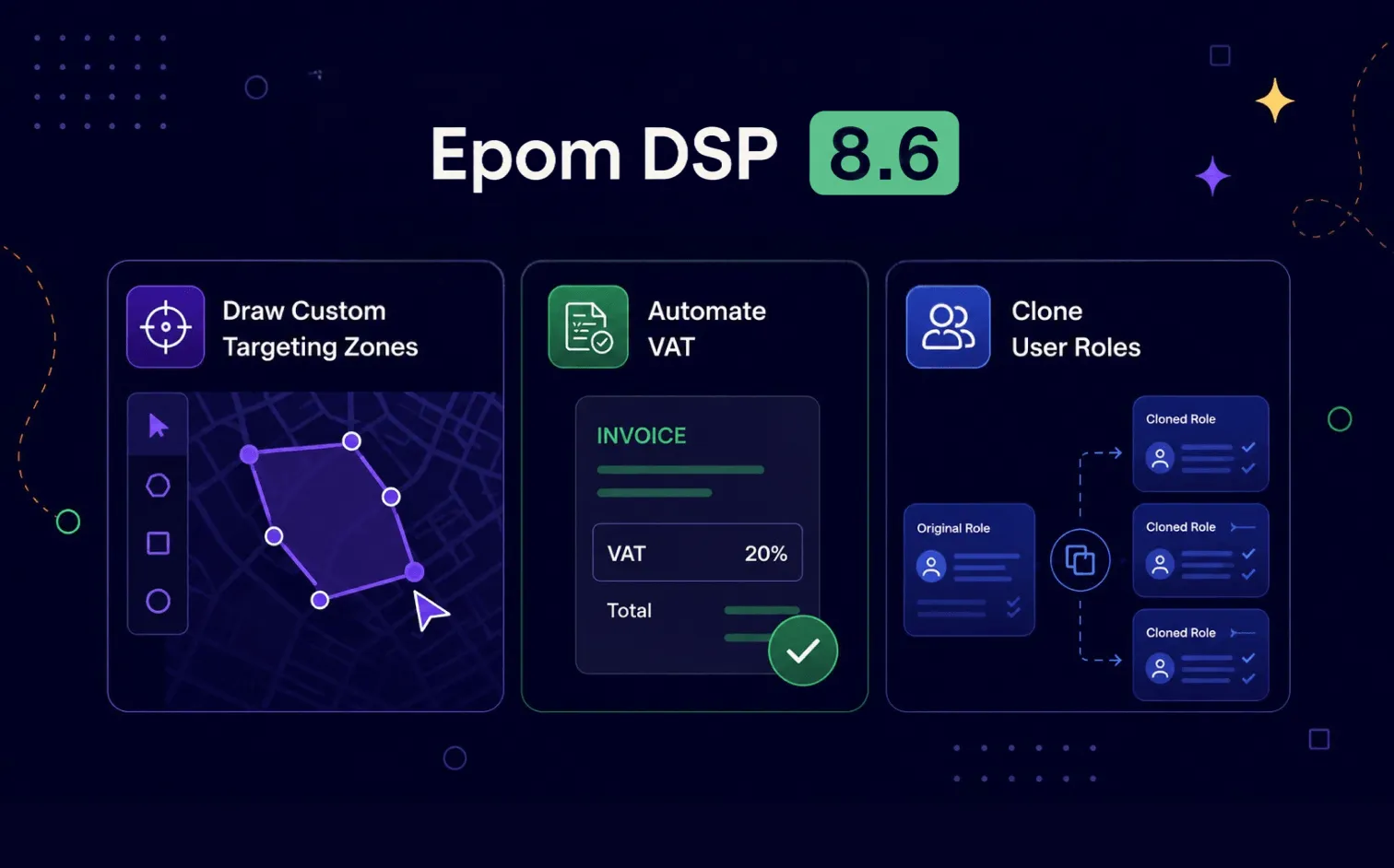
- Polygon Targeting: Import custom map regions as a GeoJSON file and target audiences inside exact geographic boundaries — not just circular geo-fences.
- Automatic VAT: Stripe Tax now calculates VAT from each customer's billing country, so invoices are correct without manual edits.
- User Roles “Based on Role”: Build a new role from an existing one and inherit all its permissions in a click.
- Safer Audience Targeting: A few targeting types are now direction-locked to stop setups that can never deliver.
- Audience Sorting: Sort your audience list by name or creation date to find what you need faster.
Programmatic work is full of small, repeated manual steps like reusing a region you already mapped elsewhere, correcting a tax line, rebuilding a permission set from scratch. Epom DSP 8.6 removes a batch of them.
This release is about precision with less busywork. You can now import your own polygon regions for exact geo-targeting, let Stripe Tax handle VAT automatically, and spin up a new user role from an existing one instead of starting from zero. Audience targeting gets safer too, with rule directions that prevent common misconfigurations, plus sorting to keep long audience lists manageable.
Scroll on to see how each change works in practice.
Not yet on board? Check out these and other Epom DSP updates and put them in practice immediately. Create a free account now, deposit starts only from $100.
Automatic VAT Calculation via Stripe Tax
Before this update, card payments were processed without VAT being applied or recorded. That meant manual corrections after the fact and invoices that didn't tell the full story.
Now VAT is calculated automatically, based on the customer's billing country. There's nothing to look up and nothing to add by hand.
Here's how it works:
- A new toggle in Payment Method Settings switches between automatic and manual VAT modes.
- The VAT amount is shown to the customer before they confirm the payment.
- After payment, VAT appears on the invoice and is recorded in Stripe for reporting.
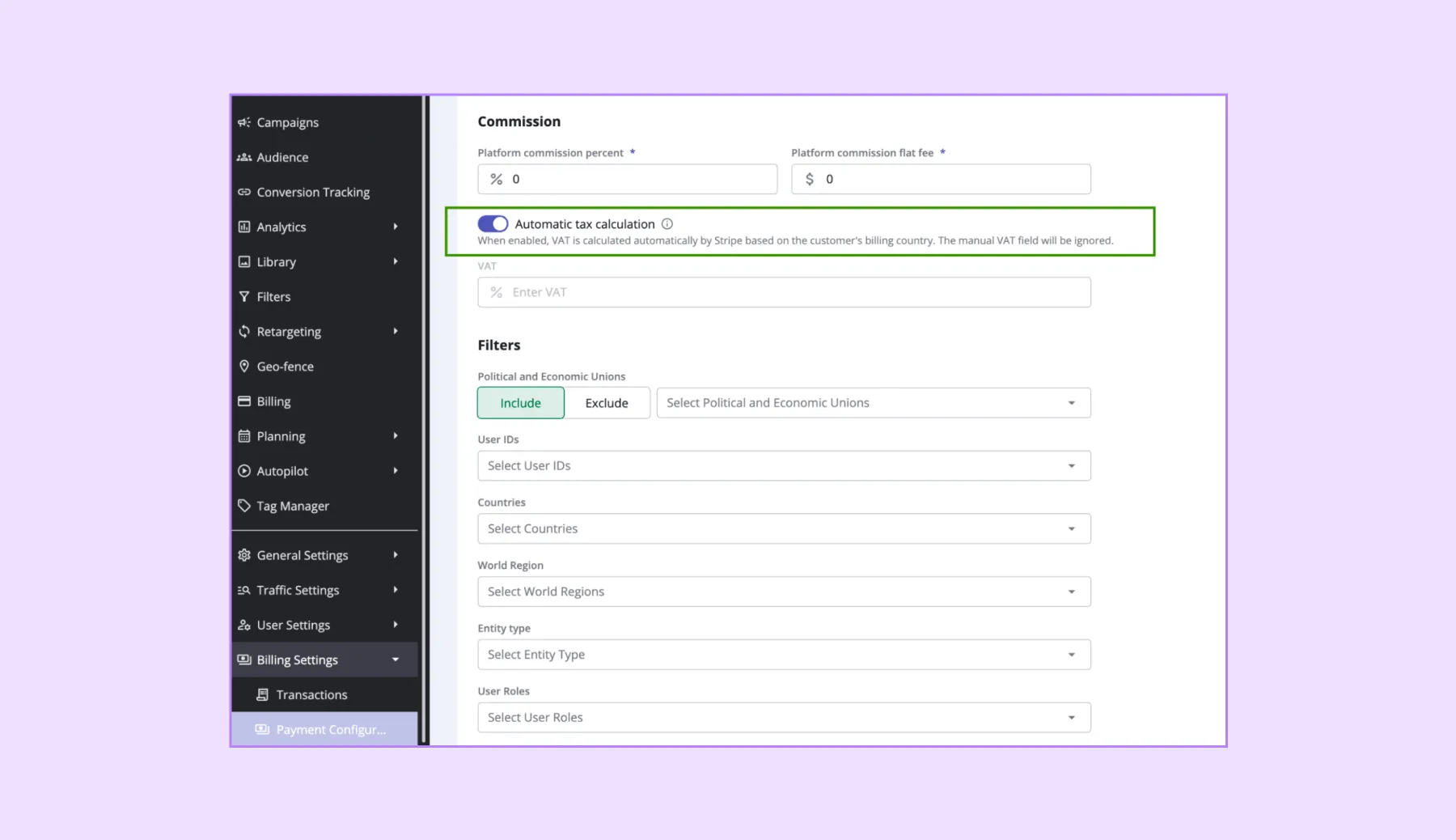
💡 Key point: With automatic mode on, VAT always follows the customer's billing country
Polygon Targeting via GeoJSON Import
Until now, geographic targeting in Epom DSP relied on standard geo-fences. Teams that already drew precise custom regions in external mapping or GIS tools (the software used to build and manage maps) had no way to bring those exact shapes into the platform.
That gap is closed. You can now import custom polygon regions as a GeoJSON file (a common open format for describing map shapes) and target audiences inside them, exactly as you would with a standard geo-fence.
Here's how it works:
- Imported regions appear in the renamed Custom Locations tab, alongside your standard geo-fences.
- Each region displays its name, type, linked audiences, and coordinate count.
- You link a polygon to an Audience to use it for targeting.
- At impression time, the system checks whether the user's location falls inside any linked polygon before bidding.
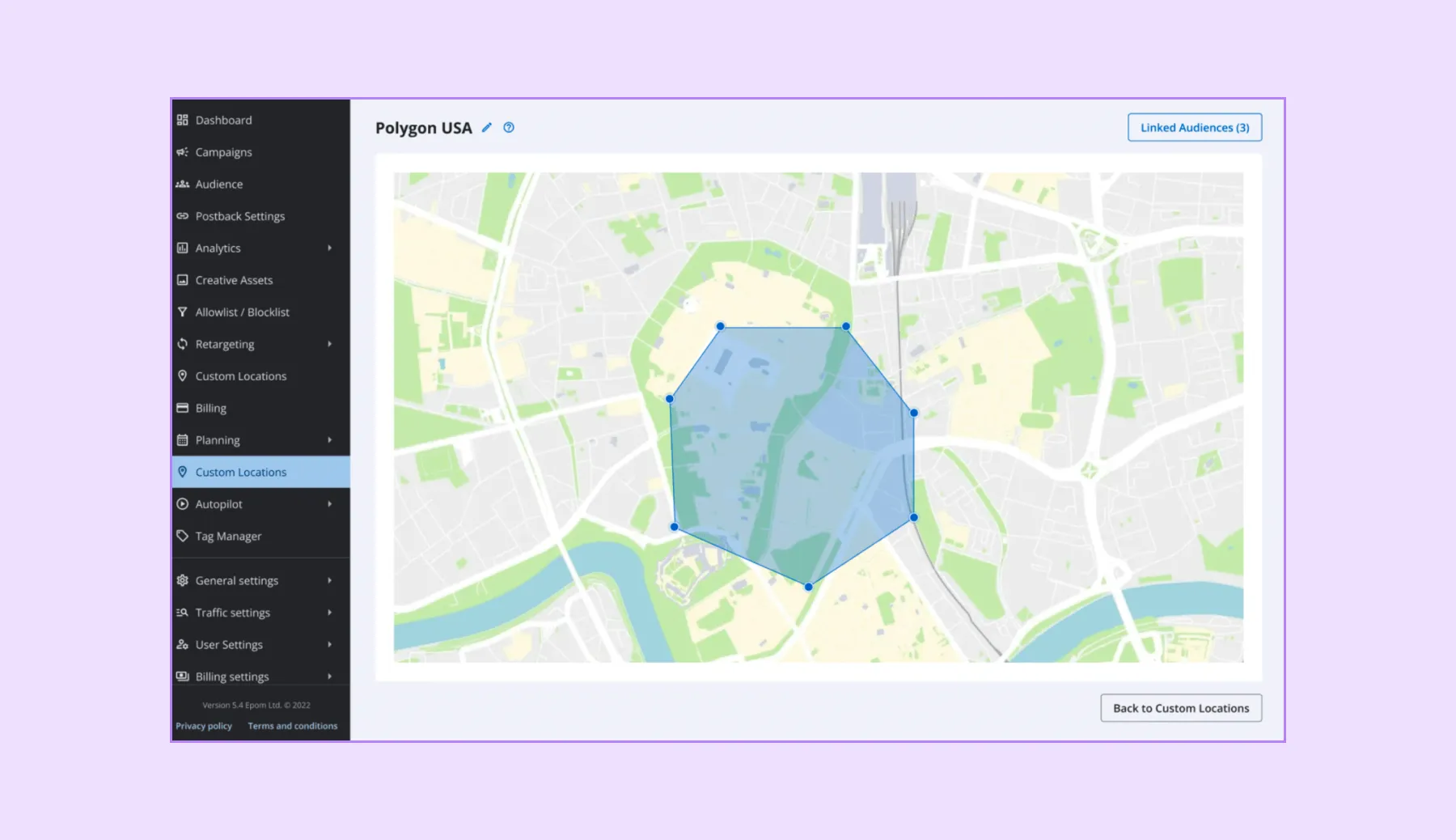
This turns almost any boundary you can draw — a city district, a delivery zone, a store catchment area — into a targetable audience.
User Roles: Build a New Role From an Existing One
Setting up roles with similar permissions used to mean configuring every setting again from scratch, each time.
A new “Based on Role” dropdown now appears when you create a user role. Pick any existing custom role, and the new role inherits all of its permissions automatically — you only adjust the few that need to differ.
One safeguard to note: Root and SuperAdmin roles in white-label DSP accounts can't be copied.
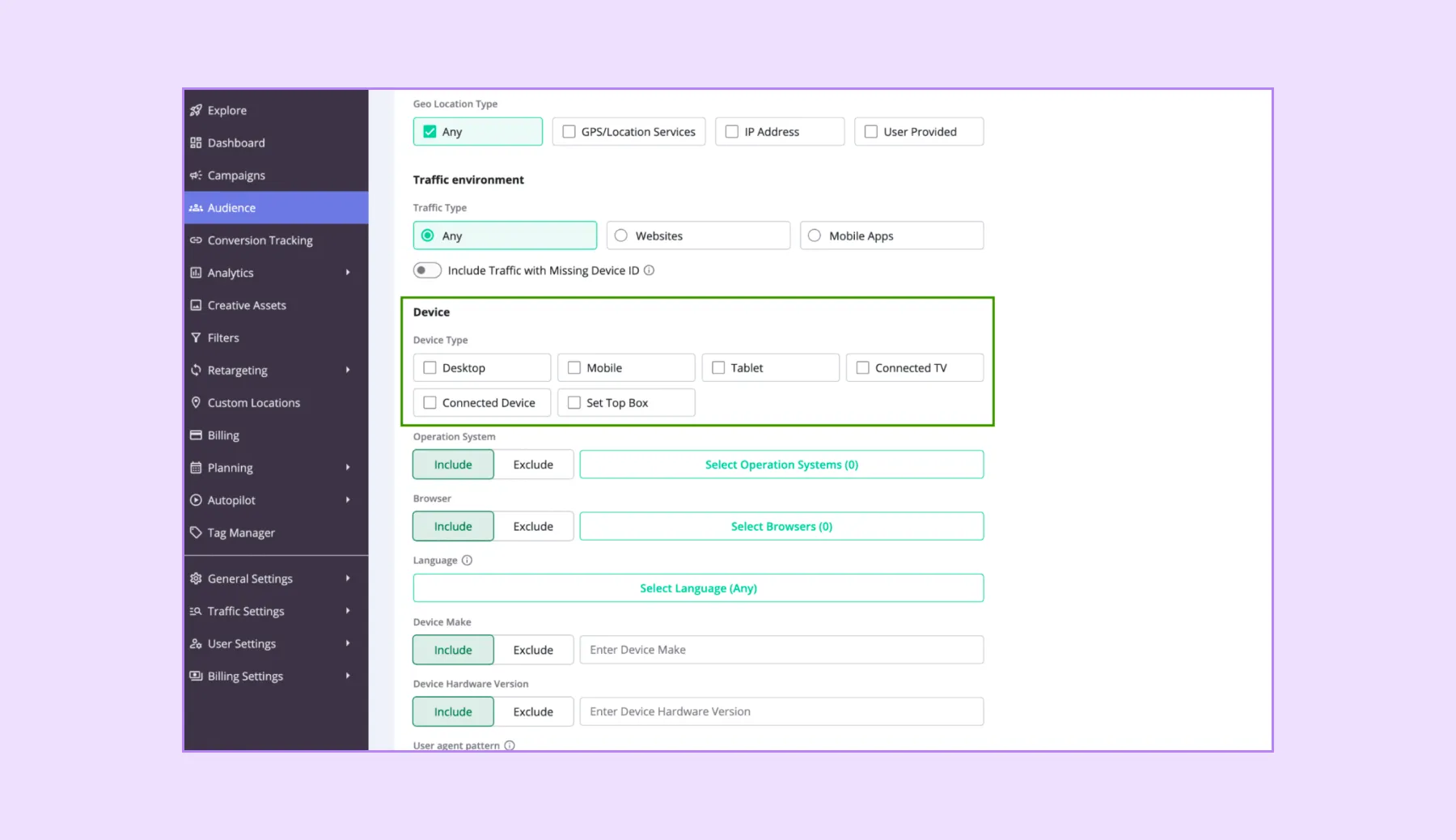
Smarter, Safer Audience Targeting
Some targeting types only make sense in one direction. Allowing both could quietly create a setup that never serves a single impression.
From 8.6, a few targeting types accept one rule direction only:
- Device type, date/time, and validated device ID (a confirmed mobile advertising identifier) can only be included.
- Proxy traffic (users masking their real location behind a VPN or proxy) can only be excluded.
Every other targeting type — geo, language, OS, browser, segments, and the rest — still supports both include and exclude rules, exactly as before.
The benefit is simple: you can no longer build a targeting combination that would never qualify any traffic, so your budget goes to impressions that can actually match.
Smaller Tweaks That Still Matter
- Audience list sorting — Sort audiences by name (A→Z / Z→A) or by creation date (latest / earliest) to find the right one faster in long lists.
- Automatic audience migration — Existing audiences were moved to the new structure automatically, with targeting behavior unchanged. There's nothing to redo on your end.
- Bulk polygon upload — Import many polygon regions at once when you're setting up large targeting plans.
Put 8.6 to Work in Your Self-Serve Account
Epom DSP 8.6 is precision with less manual effort: exact geographic targeting, tax that takes care of itself, and admin setup that no longer starts from a blank page.
Import your own map regions, let VAT calculate automatically, and clone a user role in seconds instead of rebuilding it. Small changes individually — together, a cleaner, faster day-to-day.