
Go-live checklist: serving checks (items 7–10)
The last four checks of the go-live pass in detail — Run diagnostics on the campaign, the placement preview, a real test page with the production tag, and the impressions and click landing in a report.
Tutorial network manager publisher advertiser Account → Advertisers / Publishers / Analytics
Goal: in about five minutes, see the right creative render through the production tag on a real HTML page and the impressions and click you generated appear in a report — end-to-end proof that the chain serves, counts and bills. The numbering is the Go-live checklist’s own; each item says who runs it.
Steps
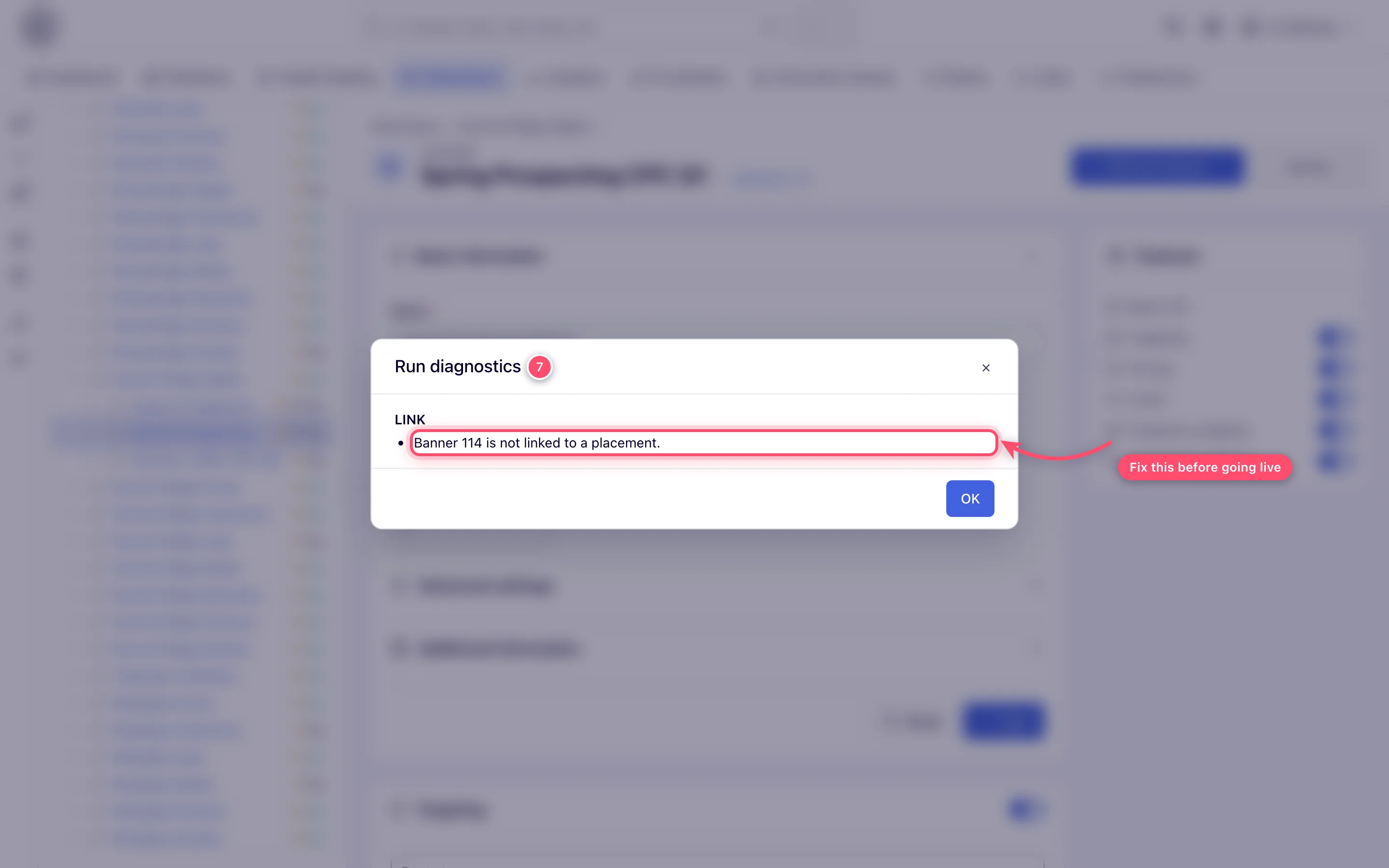
- Run diagnostics (advertiser or network manager) on the campaign (the Actions menu on
the campaign edit page). It checks the campaign end to end and lists blocking issues — no
banners, no linked inventory, limits — in one modal. Fix anything it reports.
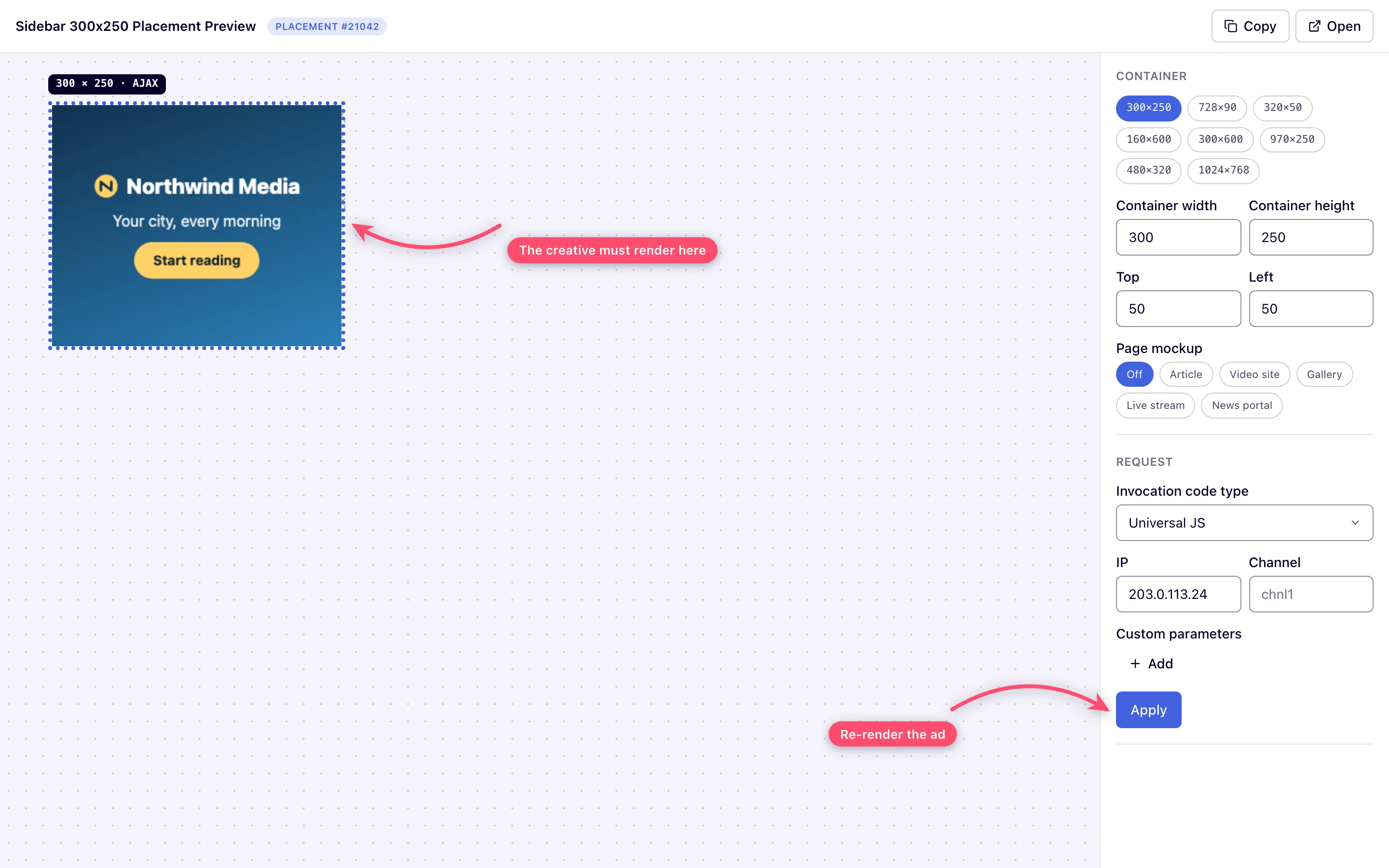
- Preview the placement (publisher or network manager). Use the placement’s Preview
action (site, mobile site, non-standard, video and email placements have one): the standalone
preview page renders the ad in an ad container, with controls to vary the invocation code
type, IP, channel and custom parameters, and Apply to refetch. The right creative must
render. The page needs an invocation code type your role may preview — without one it shows
Not Supported and no Request controls.
- Test page with the production tag (publisher or network manager). Paste the ad tag from Ad tags & API into a plain HTML file and open it in a normal browser (not only the preview). This catches protocol and domain issues the in-app preview can mask — e.g. an HTTP tag on an HTTPS page.
- Analytics visibility (everyone). Generate a few impressions and a click on the test page, wait until the hour they fell in has ended (reports load by the hour), then run a report with Date range Today, Group by Placement, and Run report. Non-zero impressions and the click landing in the report is your end-to-end confirmation. Also confirm passback behavior: request the page from a context your targeting excludes and check the slot falls back gracefully (passback code or clean collapse).
What next
- Go-live checklist — the whole pass, the once-per-network checks and what to do when a step fails
- Go-live checklist: configuration checks (items 1–6) — if you skipped them
- My ad is not serving
- Tags and preview troubleshooting
